A picture is worth a thousand words. Here's eight.
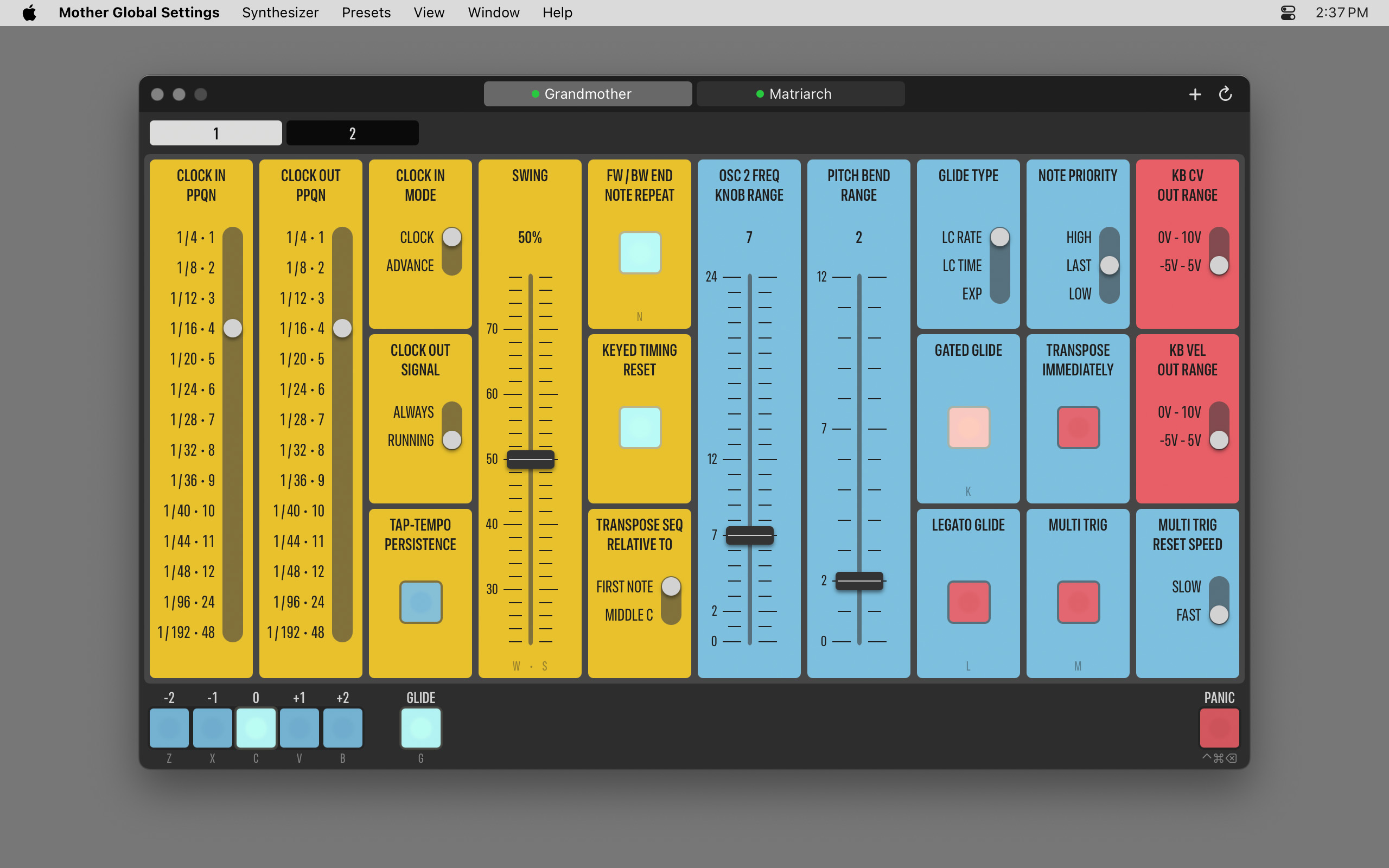
| This is Page 1 of the Grandmother controls. Colors refer to the corresponding sections on the synth — with the exception of red, which denotes CV related settings. |
|
|
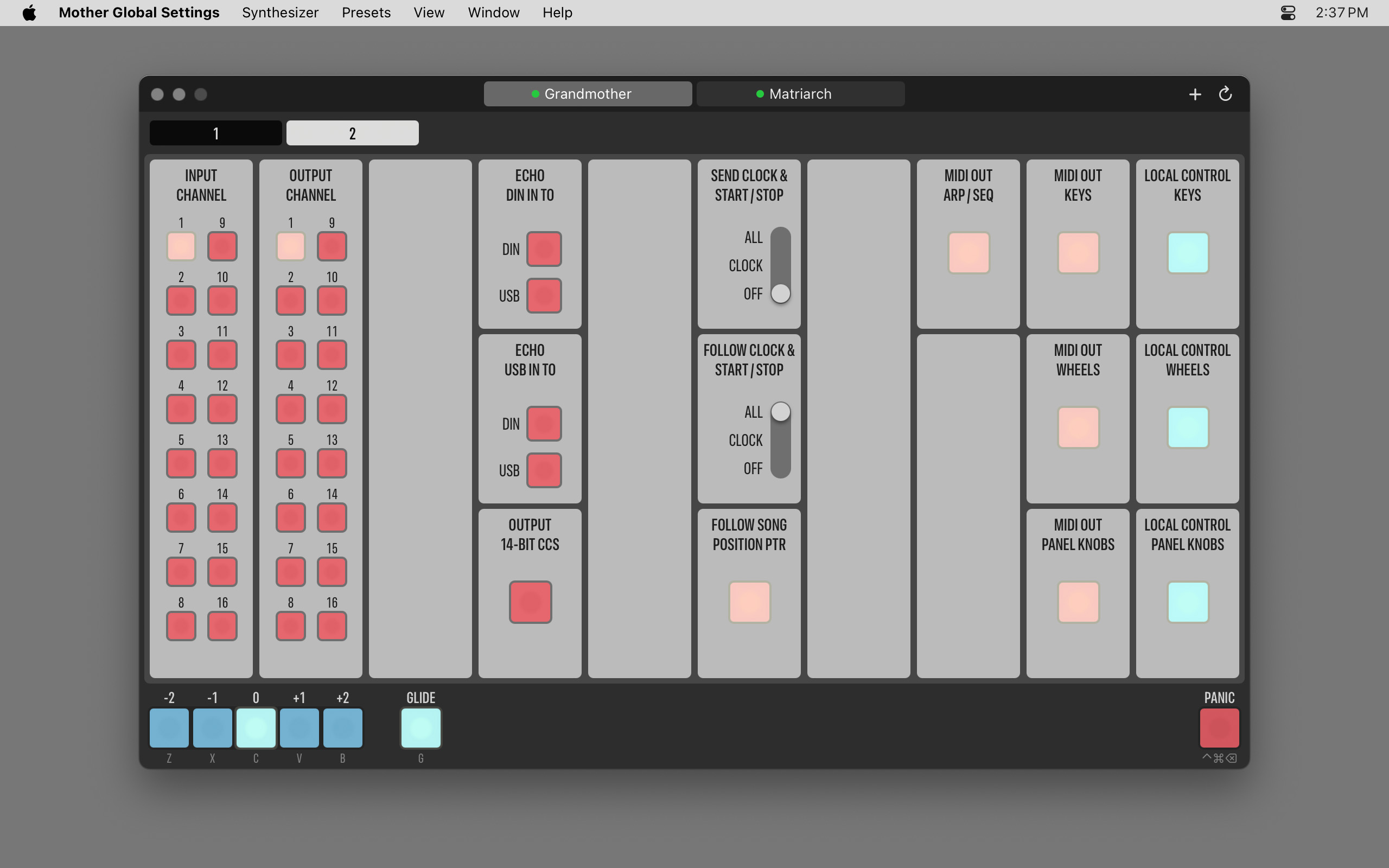
| Page 2 is for MIDI related stuff. But note the convenience controls at the bottom: octave transposition buttons, a quick glide toggle, and the panic button in the lower right corner. |
|
|
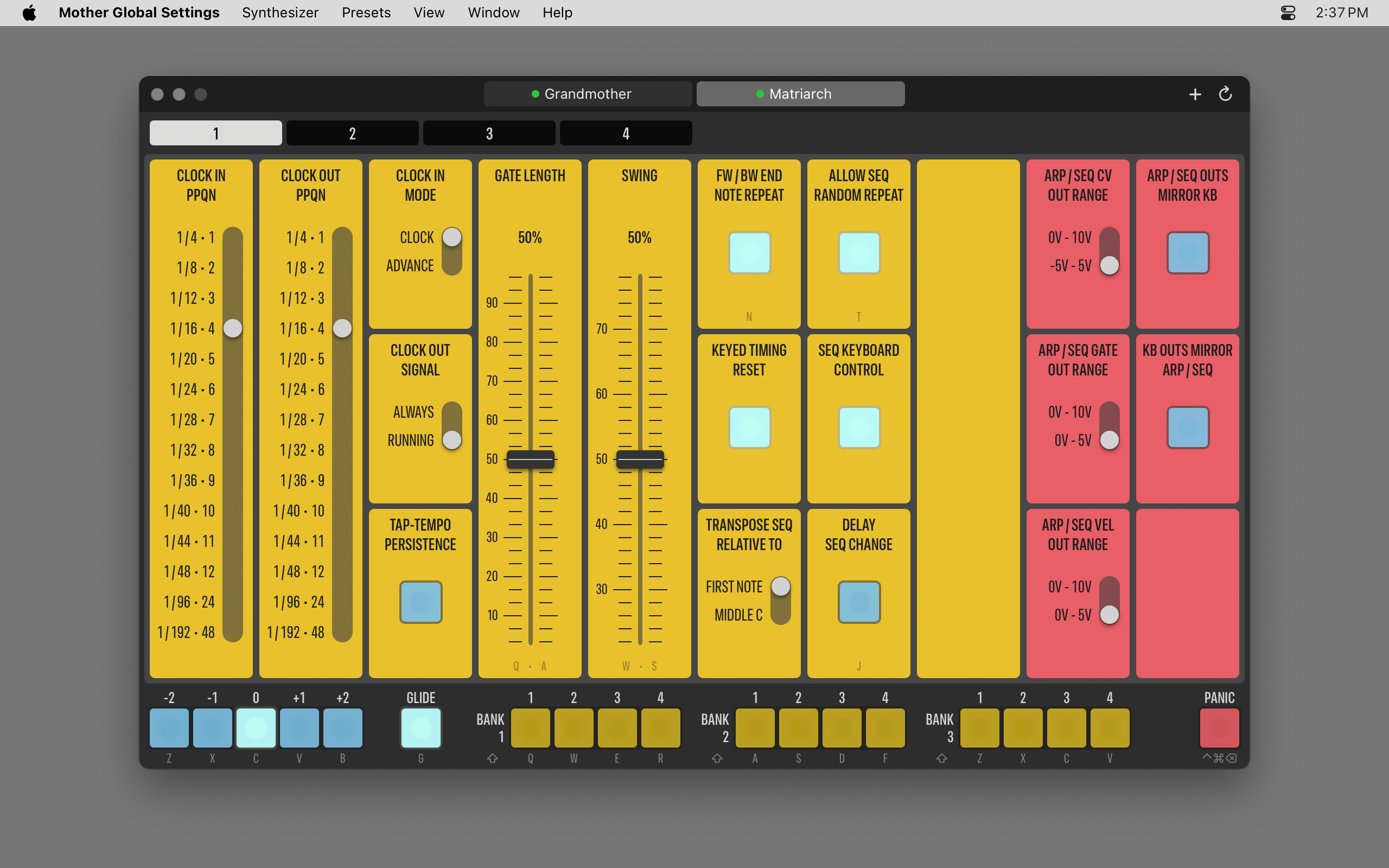
| The Matriarch offers substantially more global settings, so we have four pages instead of two. The first one is dedicated to ARP/SEQ settings. |
|
|
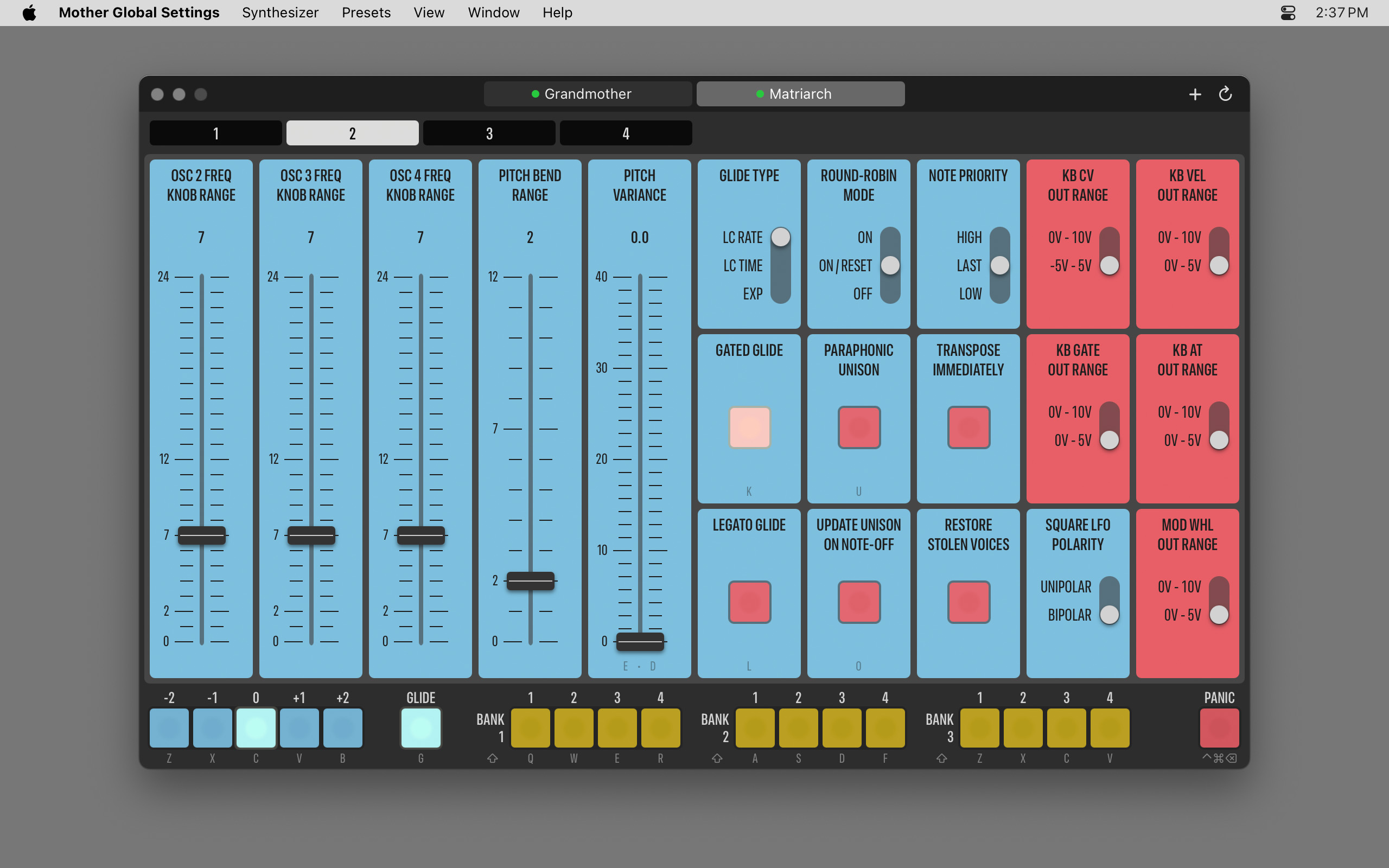
| Page 2 is for oscillator and other sound generation settings. Note that the app offers separate controls for each oscillator's frequency range. And on the Matriarch we have the group of 3x4 buttons at the bottom to immediately switch to the given sequence. |
|
|
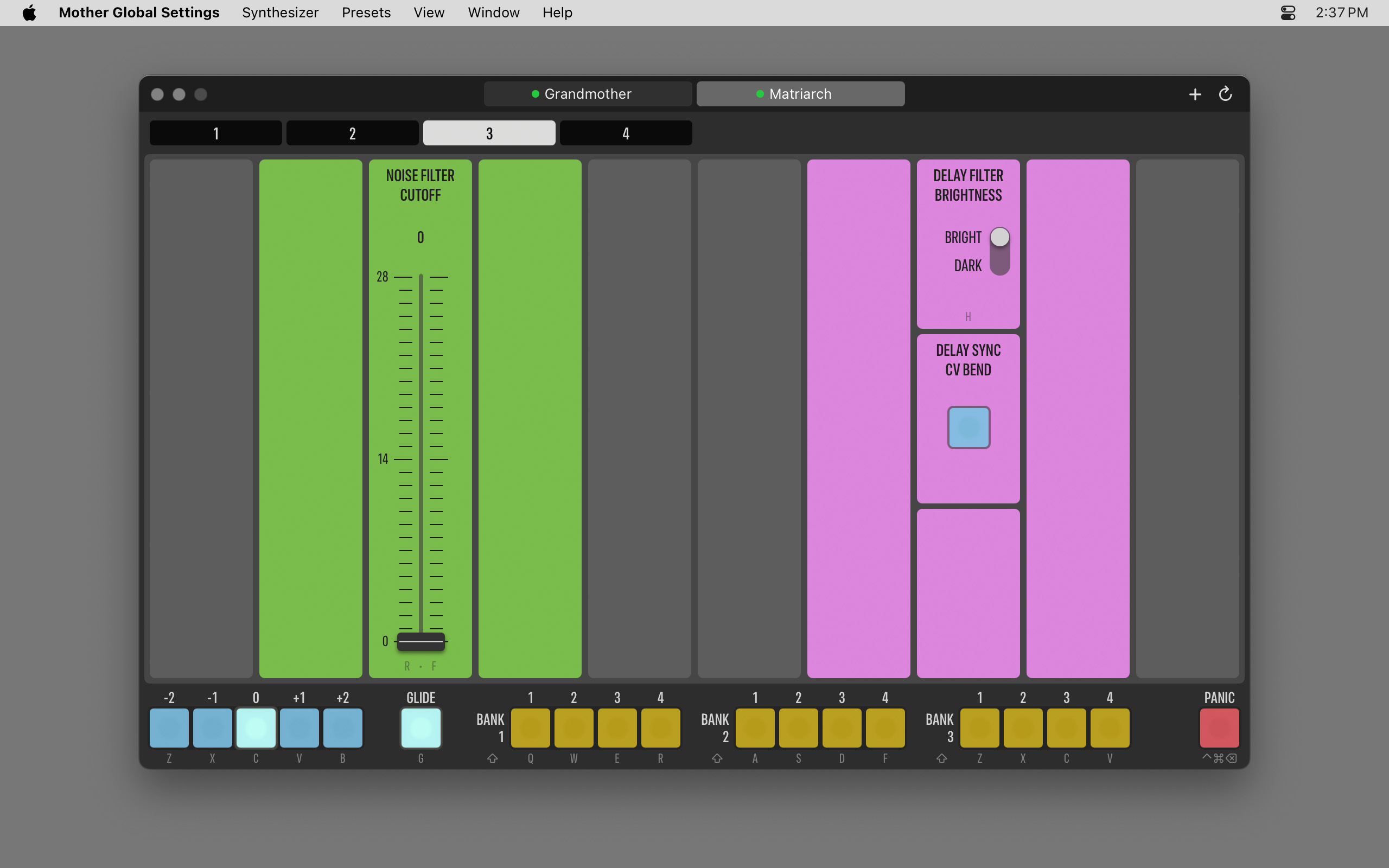
| The page containing filter and delay settings is a bit less dense. Have you noticed that hotkeys associated with the controls are printed at the bottom? |
|
|
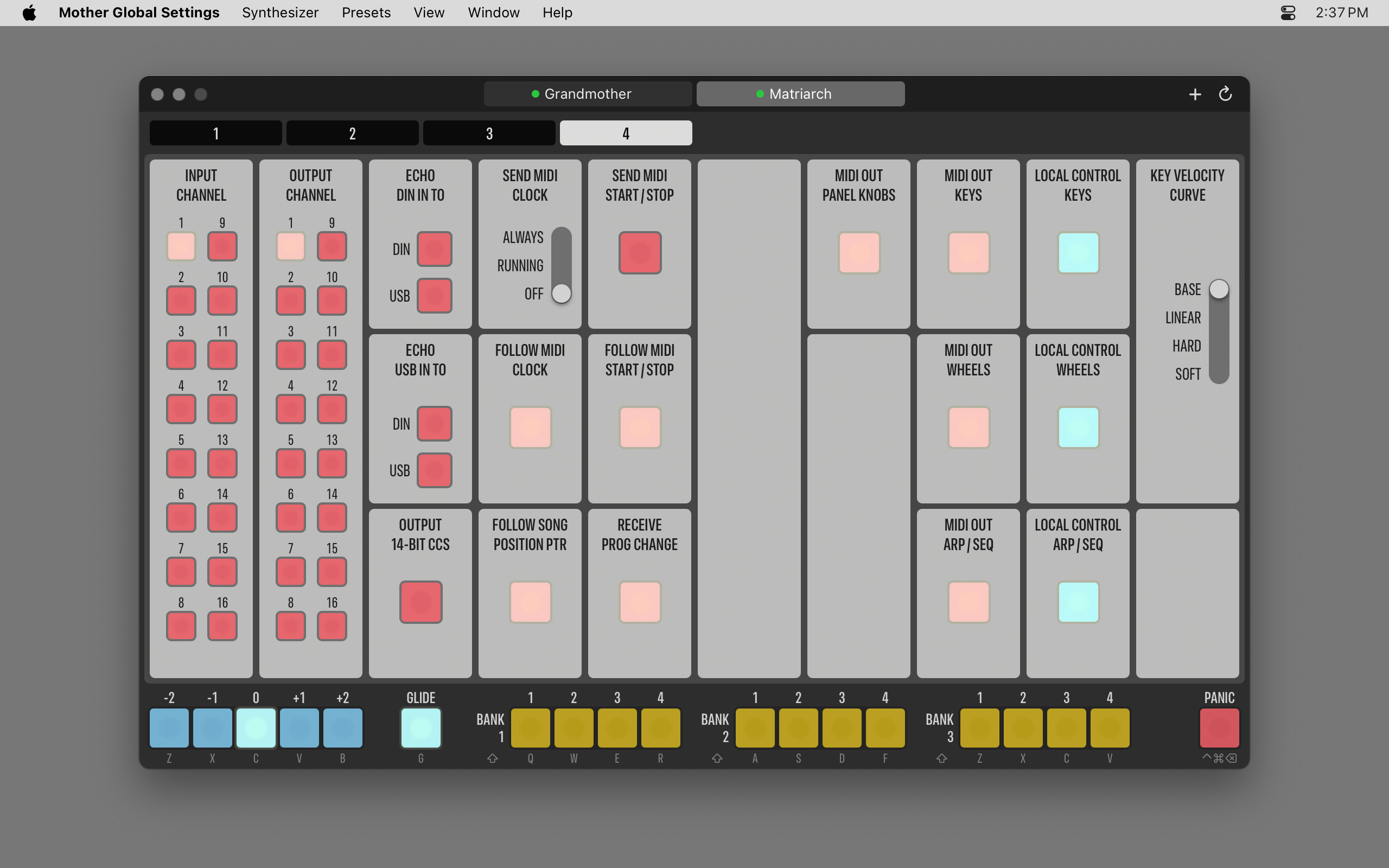
| The last Matriarch page is for MIDI. Here we filter invalid "follow clock" combinations so that your synth won't go silent for no reason. |
|
|
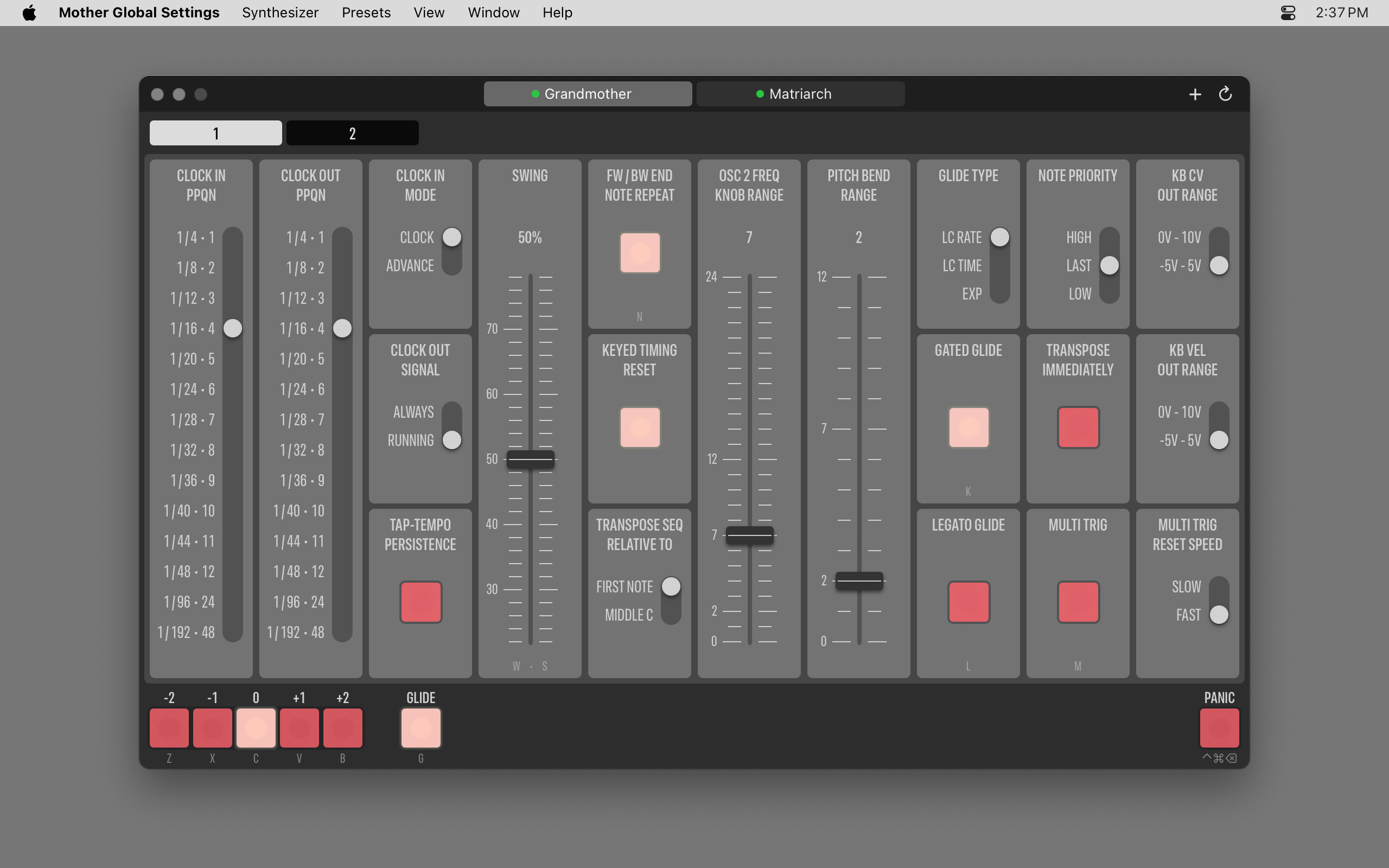
| The colorful interface isn't your cup of tea? The app offers a dark...ish variant. This is how it looks for the Grandmother. |
|
|
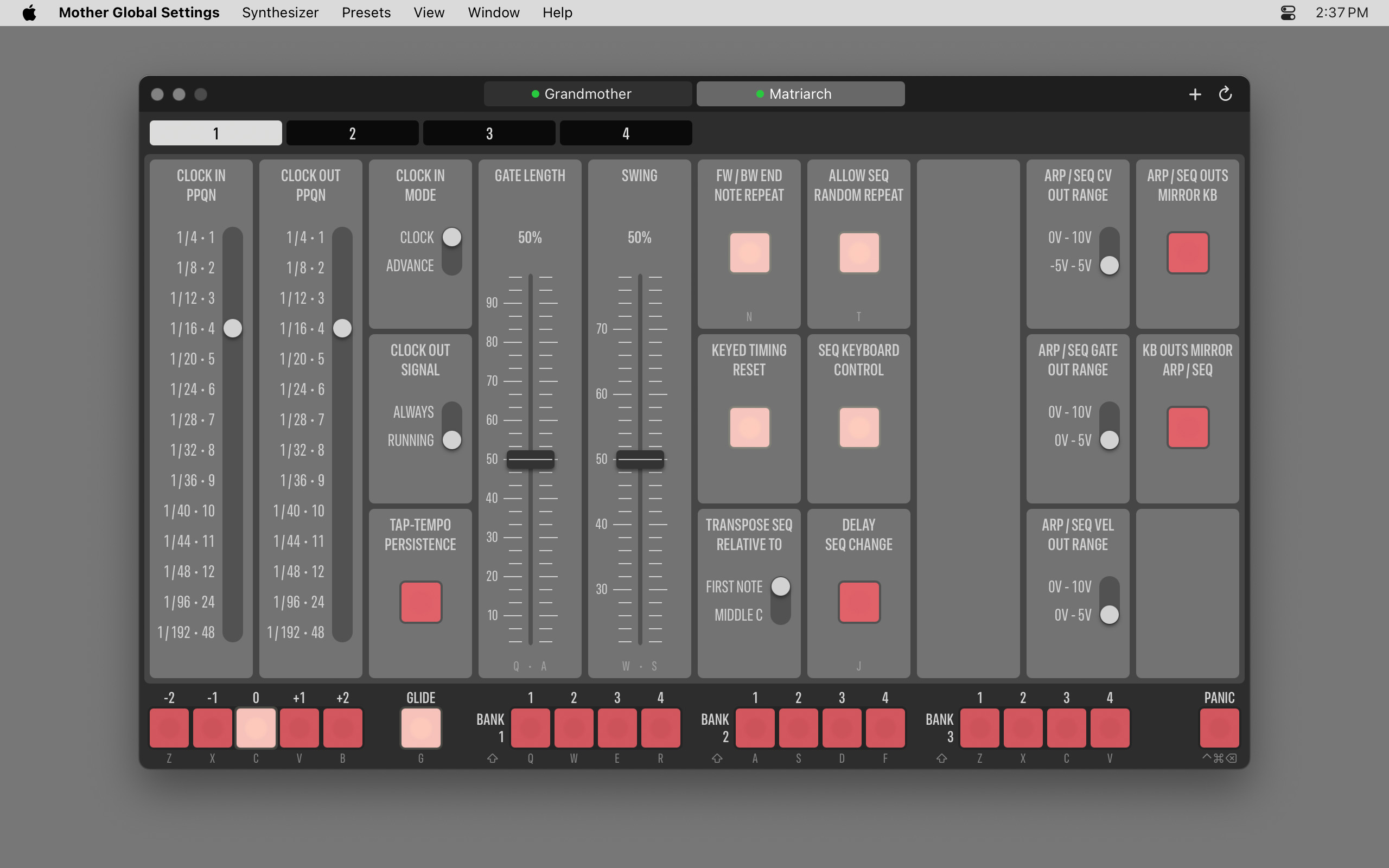
| And finally, the darkish color scheme for the Matriarch. |
|
|
Want to learn more?
Read the Getting Started Guide for practical advice on connecting your synthesizers with the app.
|
 Buy Mother Global Settings from the App Store for
€59.99 / $59.99 
The price for your country is automatically calculated by the App Store.
Includes both Mac and iPad versions. Discount available for educational institutions. |


